Troubleshooting Webpage Issues
Orion Compatibility Mode
If you're having an issue using a website on Orion for macOS, enabling Compatibility Mode for the website may resolve it.
Putting a website into Compatibility Mode will:
- Disable content blocking
- Disable tracking prevention
- Disable web fonts blocking
- Enable cookies
- Use the Safari user agent
- Disable all browser extensions
To put a website into Compatibility Mode, use the gear icon on Orion's toolbar:
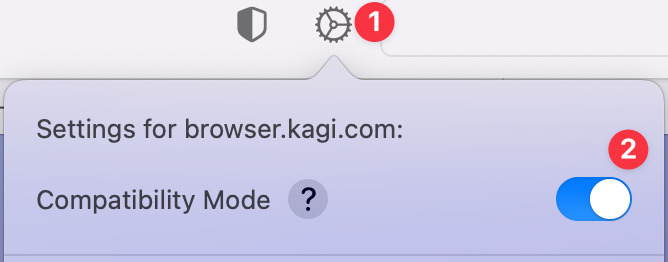
The gear icon also allows you to access other Website Settings that allow more granular control when troubleshooting.
Empty Cache
If you encounter sluggish loading of web pages and/or switching tabs, try Develop menu -> Empty Cache.
iOS & iPadOS
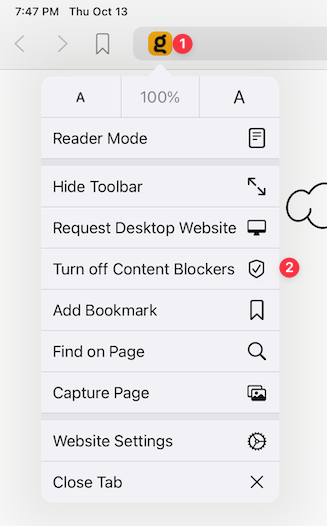
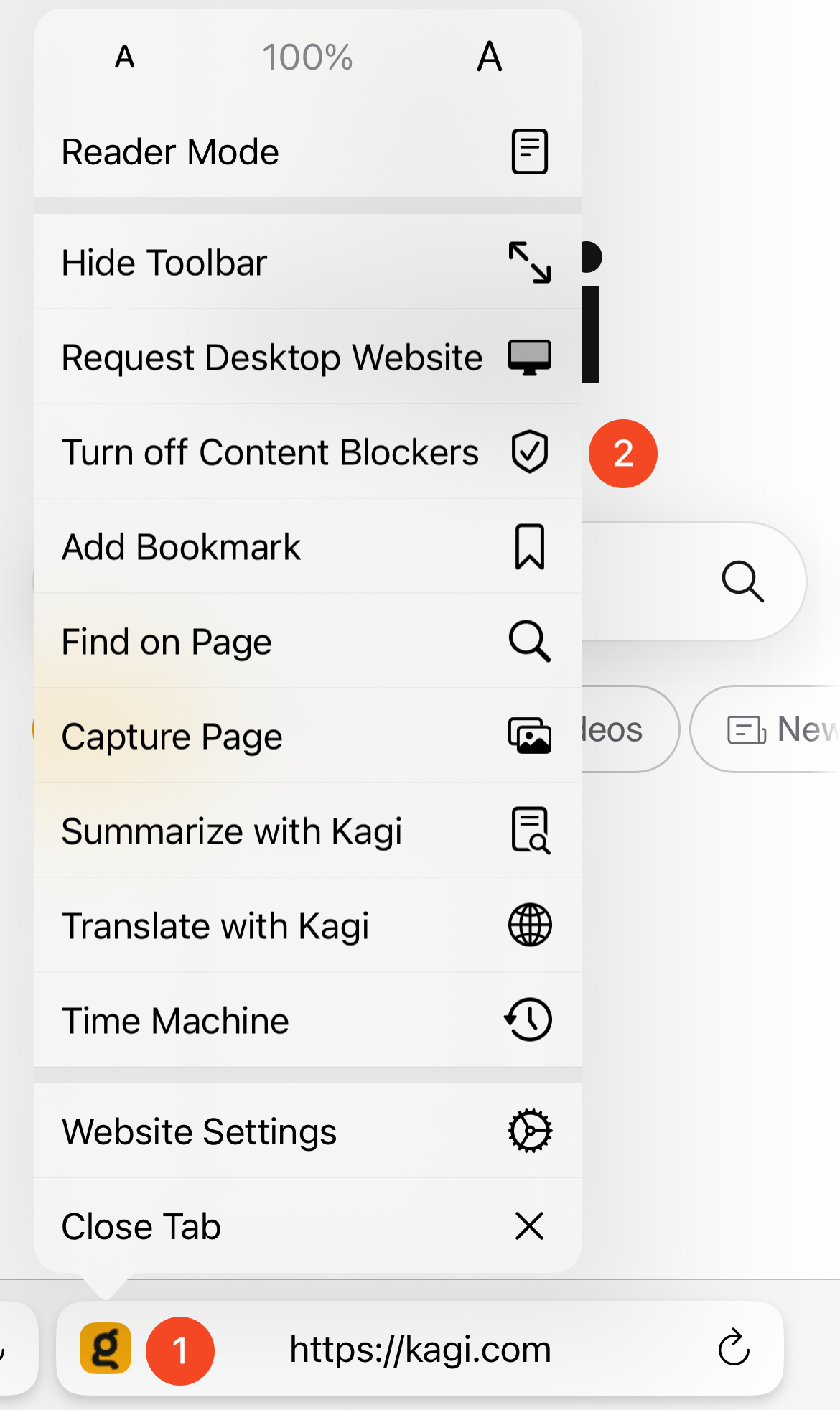
iOS and iPadOS don't have the Compatibility Mode feature. But, you can disable content blockers for specific websites where they cause problems.
You just tap on the icon for a website in the address bar and then tap Turn off Content Blockers.
iOS
iPadOS