Quick Start
The API gives programmable access to Kagi's premium search results.
Setup
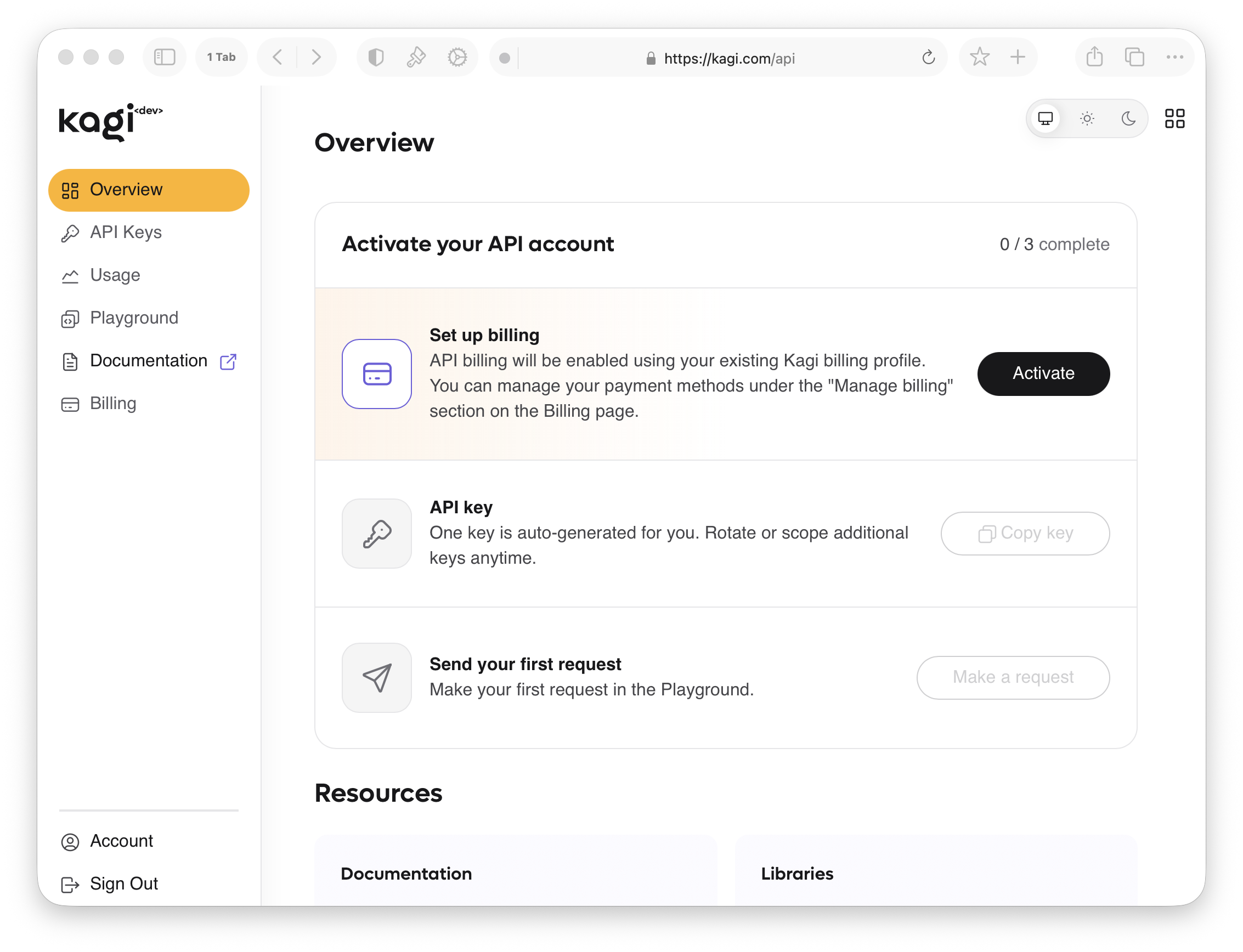
- Create a Kagi account if you don't have one.
- Navigate to Settings → API, or go directly to kagi.com/api.
- Click Generate API Token. The token is shown only once — save it securely.
- Add funds to your API balance.
- Make your first API call (see example below).
Pricing
The Kagi Search API is priced at $12 per 1,000 queries ($0.012 per search).
You can add funds to your API balance from the API Billing panel.
Authentication
Pass your token in the Authorization header:
Authorization: Bot YOUR_API_TOKENFirst API Call
shell
curl -H "Authorization: Bot $TOKEN" \
  "https://kagi.com/api/v1/search?q=kagi+search"
See the Search API page for the full endpoint reference, or browse the other APIs in the sidebar.
SDK
A Python SDK is available via the kagiapi package.