Appearance Settings
These settings control various visual options.
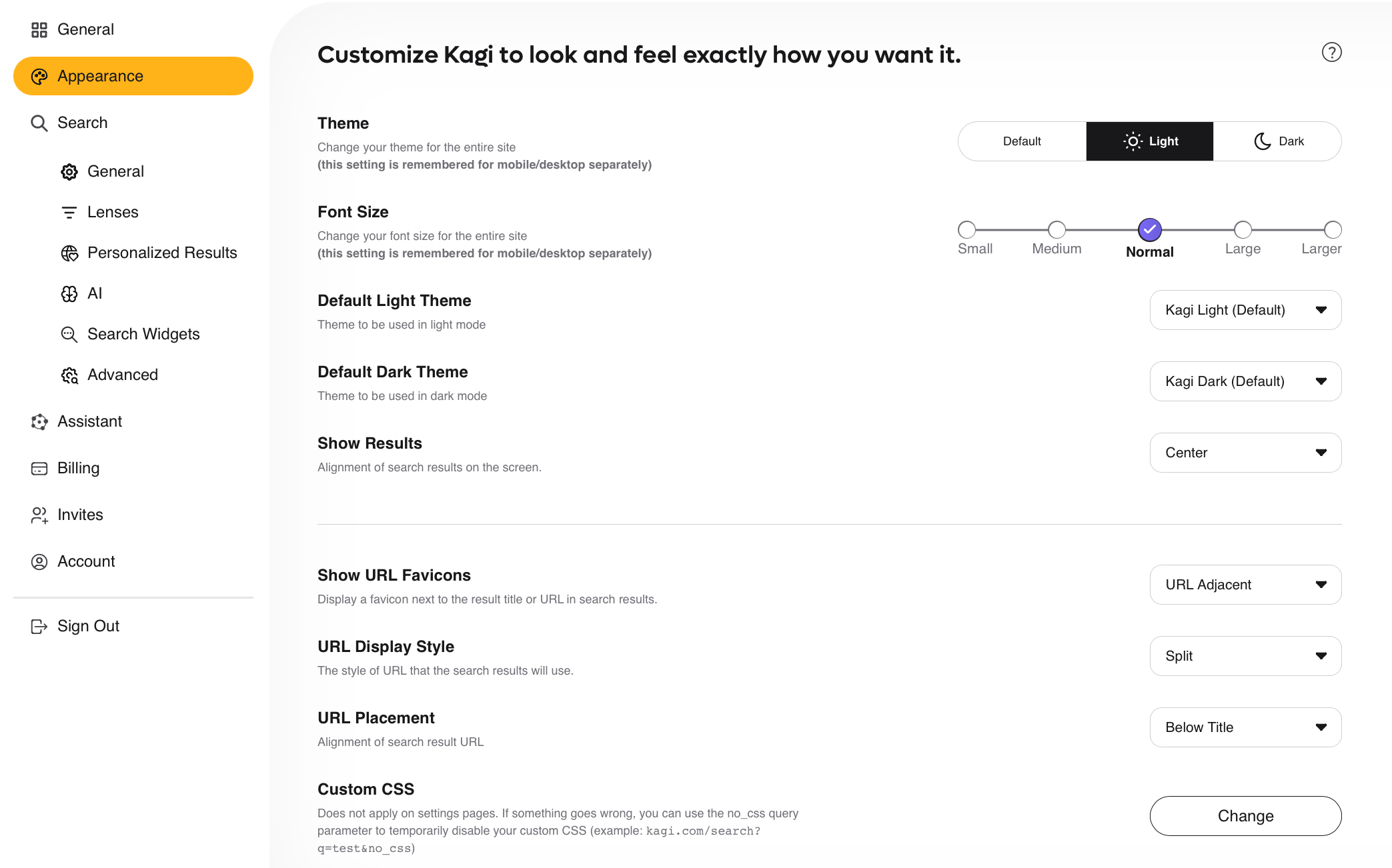
Overview
- Theme — Change your theme between System Default, Light, or Dark. This setting is stored for mobile and desktop separately.
- Font Size — Change your font size between Small, Medium, Normal, Large, or Larger. This setting is stored for mobile and desktop separately.
- Default Light Theme — Choose between Kagi Light (Default) and Old School Light for the Default Light Theme.
- Default Dark Theme — Choose between Kagi Dark (Default) and Old School Dark for the Default Dark Theme.
- Show Results — Choose between showing results aligned to the left or center of your screen.
- Show URL Favicons — Choose whether to display a favicon next to the result title, the result URL, or not at all.
- URL Display Style — Choose between displaying the full URL or a breadcrumb view (e.g., help.kagi.com > kagi > index.html).
- URL Placement - Choose whether the URL is placed below or above the result title.
- Custom CSS — Add custom CSS to tweak or totally retheme search and landing pages.