Not your browser/OS? Return to the hub page for setting Kagi as the default search engine.
Setting Kagi as the default search engine on Brave on iOS
Based on user experiences, the best way to add Kagi as the default search engine in Brave on iOS is as follows:
- Go to https://kagi.com
- Find your Session link in the Control Center.
- By default, the session link is
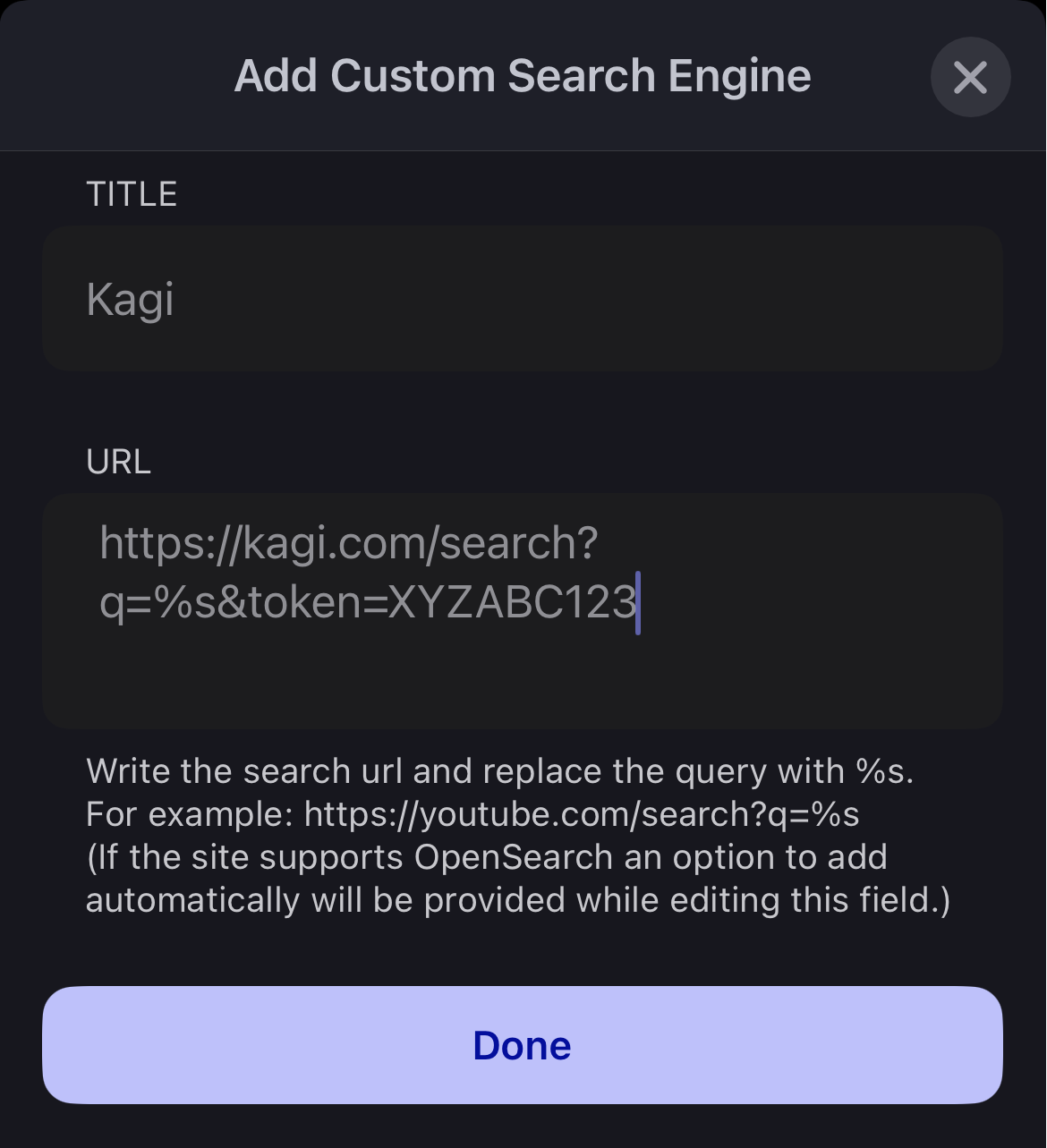
https://kagi.com/search?token=XYZABC123 - Edit it so that the link is
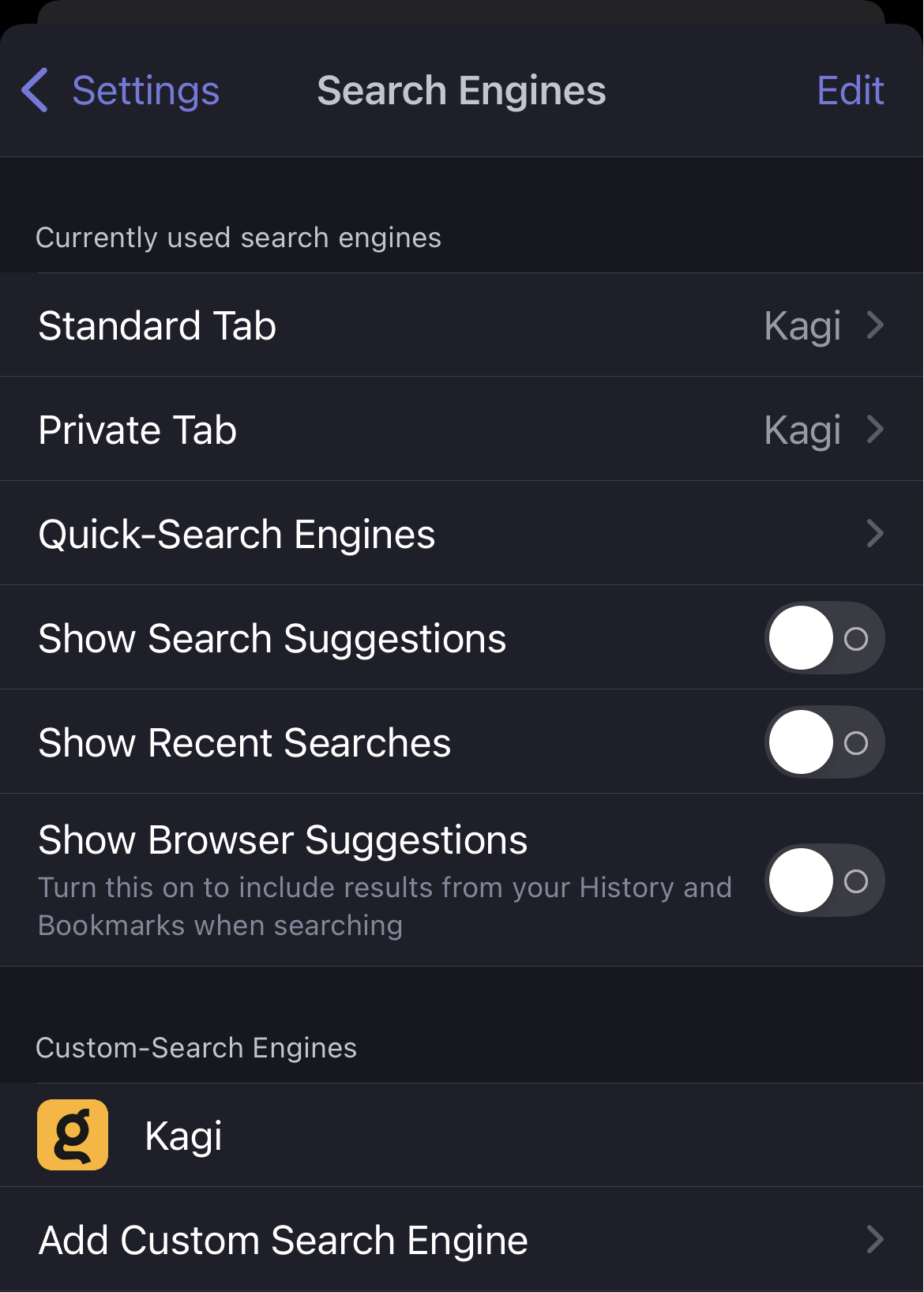
https://kagi.com/search?q=%s&token=XYZABC123, and copy it to your clipboard - On your iOS device, go to Brave -> Settings -> Search Engines -> Add Custom Search Engine, and paste the search URL you copied in step 4.
- Tap Done.
You are now able to add Kagi as the default search engine for Standard and Private tabs.