Special App Icons
Orion's app icon can be changed in the settings.
- In your menu bar, go to Orion > Settings.
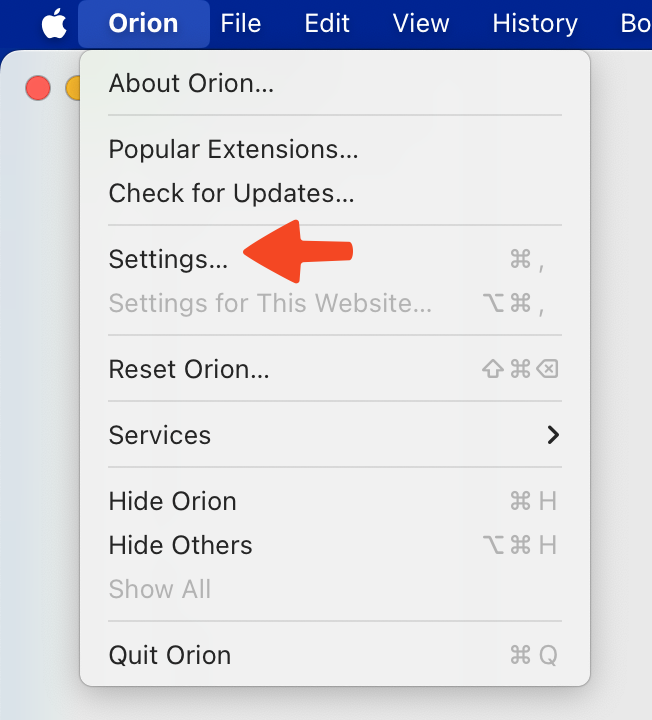
- Navigate to the Appearance tab.
- The App Icon configuration can be found at the bottom.

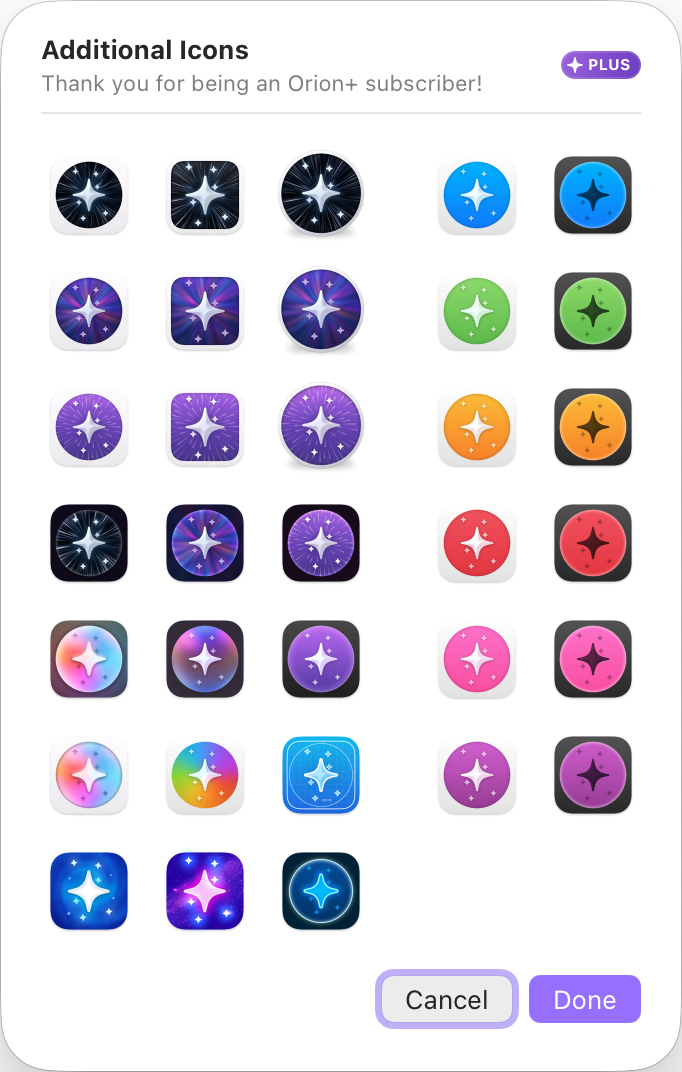
The first three options are available to everyone. Clicking the rightmost icon opens an Orion+-exclusive menu with more app icon options, which will allow you to choose the perfect app icon for your desktop.
Tips and tricks
- Each profile can have its own app icon.
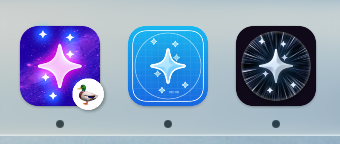
- Give your dock some additional flair by using app icons.
- None of the special icons interest me. I want to bring my own.
- You can add any icon you wish. Please see How do I change the app icon? in the FAQ.